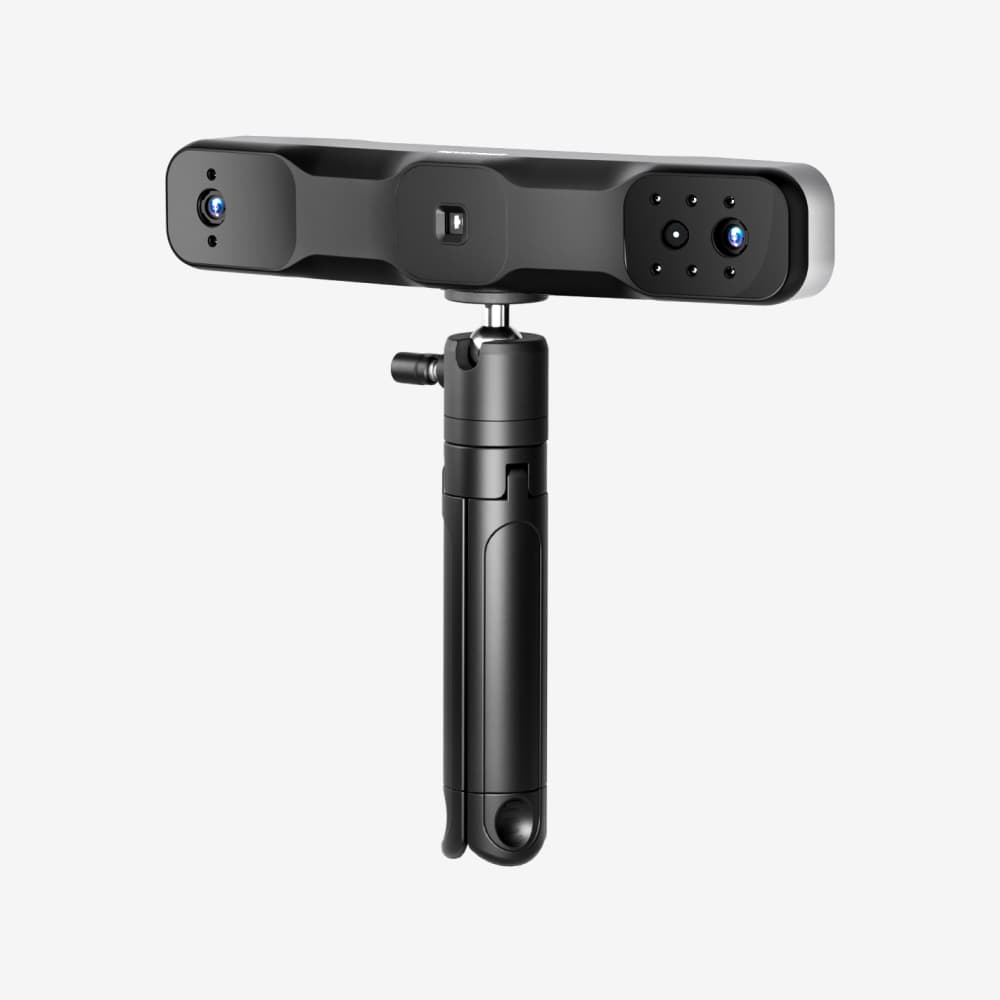
01 — Assessment
What this scanner is really for
A legacy large-object scanner for existing owners or used and refurbished research, not a current-model buying recommendation. Check the actual unit, accessories and seller terms.
The key is to read Up to 0.3 mm single-frame; precision up to 0.1 mm as a manufacturer’s best-case specification, not a guaranteed result on every surface. Calibration, object finish, tracking stability, markers and operator technique all affect usable geometry.
Visual evidence
Watch the setup and scan behavior
These videos are embedded from their original YouTube channels. Manufacturer demonstrations and creator reviews are labelled separately, including known commercial disclosures.
Video blank or not starting? Try reloading or open the original on YouTube. Network restrictions or the uploader’s playback settings may limit viewing.
RANGE 2 standard-package first scan
A concise manufacturer walkthrough of the standard package, wired setup and first Revo Scan project for the large-object RANGE 2 workflow
Manufacturer-produced tutorial containing a store link and discount codeWatch with evidence notes →Watch on YouTube ↗Video blank or not starting? Try reloading or open the original on YouTube. Network restrictions or the uploader’s playback settings may limit viewing.
RANGE 2 car-exterior workflow
A project-led demonstration moving from scanner setup to a vehicle exterior, showing RANGE 2's broad field of view on a real large-object job
The description contains an affiliate link, a discount code and a Revopoint community promotion; it does not state how the review unit was obtainedWatch with evidence notes →Watch on YouTube ↗Documented cases
See the scanner inside a complete job
Operating tutorials
Follow a complete setup or first scan
Use the source-linked instructions as a working checklist, then confirm the current manufacturer manual for your software and firmware version.
02 — Workflow
How it fits into a real scan job
RANGE 2 is a discontinued legacy model, covered here for existing owners and research into refurbished, used or remaining-stock units. Its wide capture area and longer working distance were designed for people, furniture, sculptures and vehicle-scale surfaces.
Stand roughly 400–1300 mm from the target
Choose feature or marker tracking
Walk a smooth path with generous overlap
Inspect long scans for accumulated alignment drift
03 — Objects and surfaces
Where capture gets difficult
Feature, marker and global-marker tracking are available, but dark, reflective or transparent targets can still require scan spray. Direct sunlight can reduce infrared performance.
04 — Tradeoffs
Pros and cons
What works
Large capture area
Lightweight
Useful for people and furniture-scale subjects
What to know
−Legacy model; verify condition, seller warranty and stock
−Not optimized for small detail
−Lower claimed accuracy than part-focused scanners
−Processing device still required
05 — Specifications
Side of the box, translated
Specifications come from the linked manufacturer source and may vary by optical mode, software version and region.
06 — Software
Capture is only half the workflow
Use the official RANGE 2 support resources for the appropriate Revo Scan version, device requirements and operating instructions. Check compatibility for the exact computer or phone intended for an existing or secondhand unit.
Mesh export is not the same as editable CAD. Reverse-engineering projects may still require surface reconstruction, dimensional constraints and verification in separate software.
07 — Value
Is it worth the price?
RANGE 2 is not a current-model buying recommendation. When assessing a legacy unit, compare condition, included accessories and current alternatives. Confirm warranty, returns and service with the specific seller for your region; discontinuation alone does not establish that coverage is unavailable.
08 — FAQ
Questions before buying
Can RANGE 2 scan a full person?
Its large capture area and infrared light were designed for people and other large subjects. For a legacy unit, verify its condition and complete workflow before purchase.
Can it scan small parts?
Revopoint lists a 50 mm minimum scan volume; smaller objects require advanced technique and will lose detail.


